1. Introduction
In React, sharing state between deeply nested components often leads to “prop drilling,” where you pass props through multiple layers only to reach a component that actually needs the data. The Context API solves this by creating a central store of values—such as theme settings or user information—that any component in the tree can access directly, without intermediary props.
2. When to Use Context API
Use Context API whenever you have data or settings that many components at different nesting levels need to read or update. Common scenarios include:
Global theming (e.g., toggling light and dark modes)
Authentication state (e.g., current user details and login/logout functions)
Localization (e.g., active language and region settings)
If only one or two sibling components need the data, prop drilling may still suffice. But once you find yourself threading the same prop through several layers, it’s time to consider Context.
3. Conceptual Setup of Context
To get started, you define a Context object with default values—typically null for data that will be loaded asynchronously, plus placeholder updater functions. This object becomes the shared store for your app. Think of it as creating a custom global variable specific to React’s component tree.
4. Providing Context to Your App
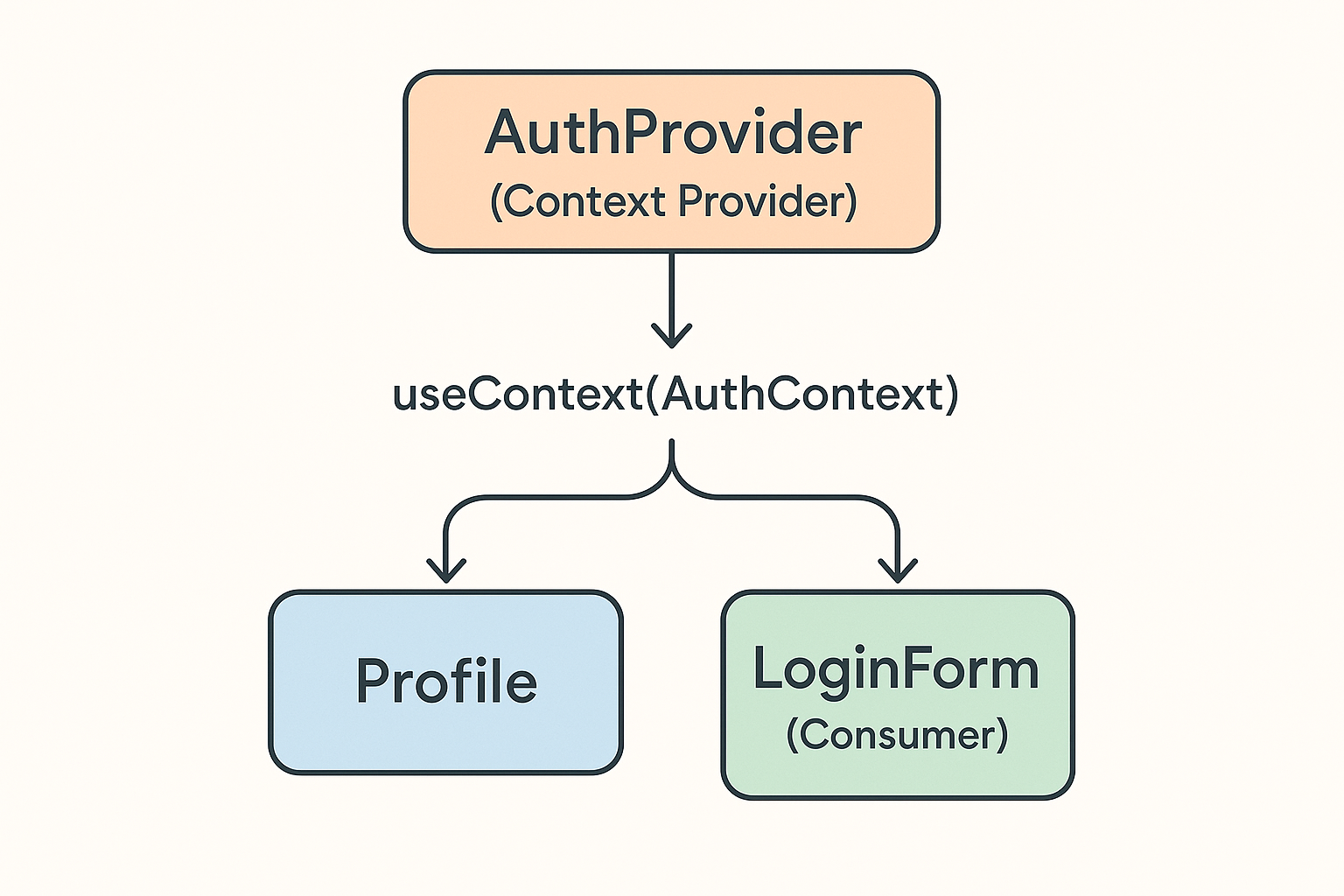
Wrap the part of your application that needs access in a Provider component. This Provider holds the actual state (for example, the authenticated user) and the functions to update that state. Every child component underneath can then consume those values. In practice, you import your Context and render its Provider high in your component hierarchy—often around the root component.
5. Consuming Context in Components
Inside any component that needs the shared values, you tap into the Context using a React hook. Once you’ve “subscribed,” your component rerenders automatically whenever the shared state changes. You simply reference the context value instead of relying on props passed down from a parent.
6. Updating the Shared State
Updater functions provided by the Context let you modify the global state from anywhere in the tree. For instance, a login form component can call the context’s setUser function to store the newly authenticated user object, and all components consuming that context will receive the updated data instantly.
7. Advanced Patterns
Custom Hooks: Encapsulate common Context logic in reusable hooks for cleaner code and easier testing.
Multiple Contexts: Use separate contexts for unrelated concerns—such as theme, authentication, and feature flags—to keep each Context focused.
Memoization: Wrap the Provider’s value object in a memoization hook so that consumers only rerender when the actual data changes, avoiding unnecessary updates.
8. When to Reach for Redux or Other Libraries
For very large applications with complex update patterns, side-effect management, or middleware requirements (e.g., logging, caching, optimistic updates), a dedicated state management library like Redux, Zustand, or MobX can offer more structure. But for most medium-sized apps, Context API plus custom hooks is lighter-weight and easier to maintain.
9. Conclusion
React’s Context API offers a straightforward, built-in way to share data and functions across your component tree without prop drilling. By organizing your Context definitions, Providers, and custom hooks well, you’ll achieve more readable code and a more maintainable state architecture. Give it a try in your next React project and see how much cleaner your components can become!
Back to Blog
development
10 min read
102 views
State Management in React Using the Context API
MK
Mohammad Khasati
May 15, 2025
Share
Related Posts

development
8 min read
138 views
Building a Light/Dark Mode Toggle in React with CSS Variables
A quick guide to adding a stylish light/dark theme switcher in your React app using CSS variables and local storage for persistence.
May 15, 2025
Read More 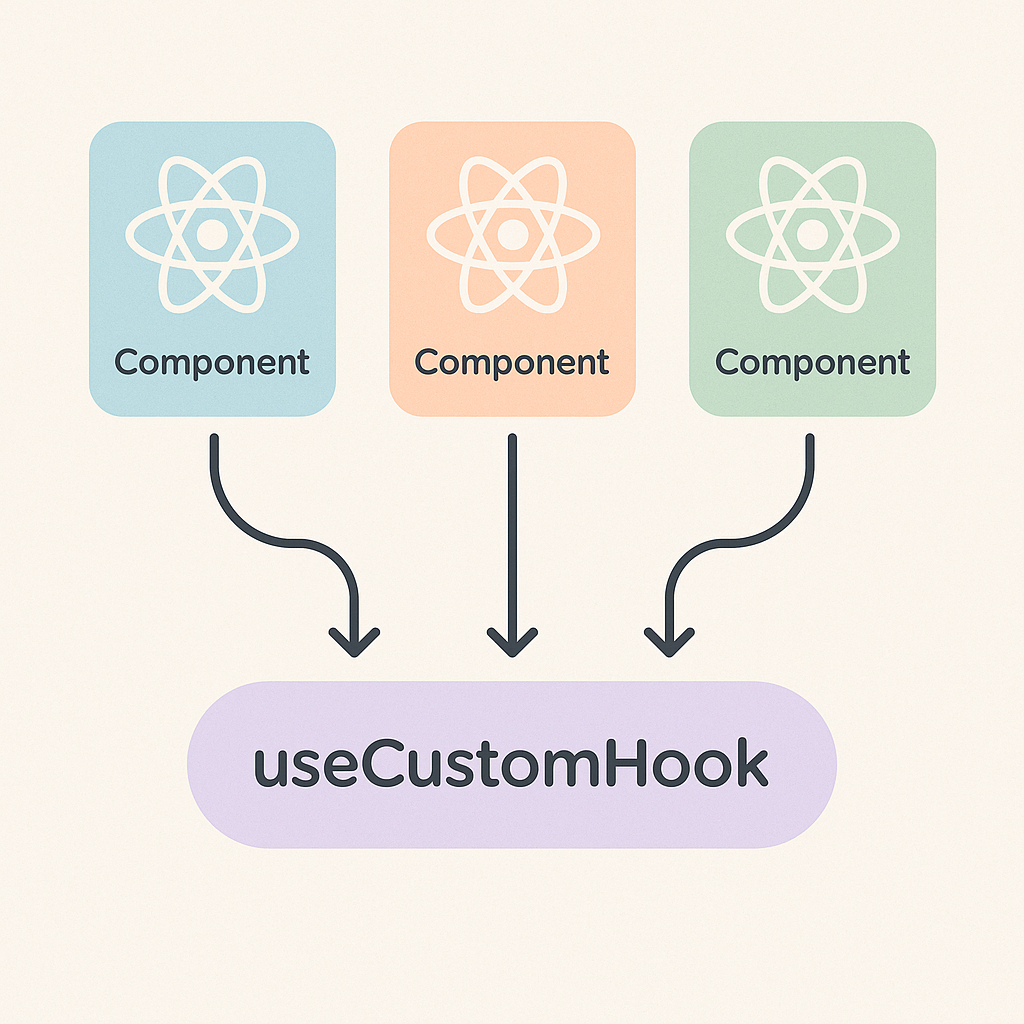
development
9 min read
141 views
Building Custom React Hooks for Clean and Reusable Logic
Learn how Custom Hooks in React let you extract and share stateful logic across components, keeping your code DRY and easy to maintain.
May 15, 2025
Read More