Why Theme Switching?
Allowing users to choose light or dark mode improves comfort and accessibility, especially in low-light environments.
Setup CSS Variables
Define color variables for both themes under :root and override them in a [data-theme="dark"] selector.
Implement Toggle Logic
Use a React state hook to flip between "light" and "dark", update the data-theme attribute on the element, and save the choice in local storage.
Restore on Load
On app start, read the saved theme and apply it automatically so the user’s preference persists across sessions.
Styling the Switch
Design a simple accessible switch (button or checkbox) that visually indicates the active theme and triggers the toggle.
Back to Blog
development
8 min read
138 views
Building a Light/Dark Mode Toggle in React with CSS Variables
MK
Mohammad Khasati
May 15, 2025

Share
Related Posts
development
9 min read
141 views
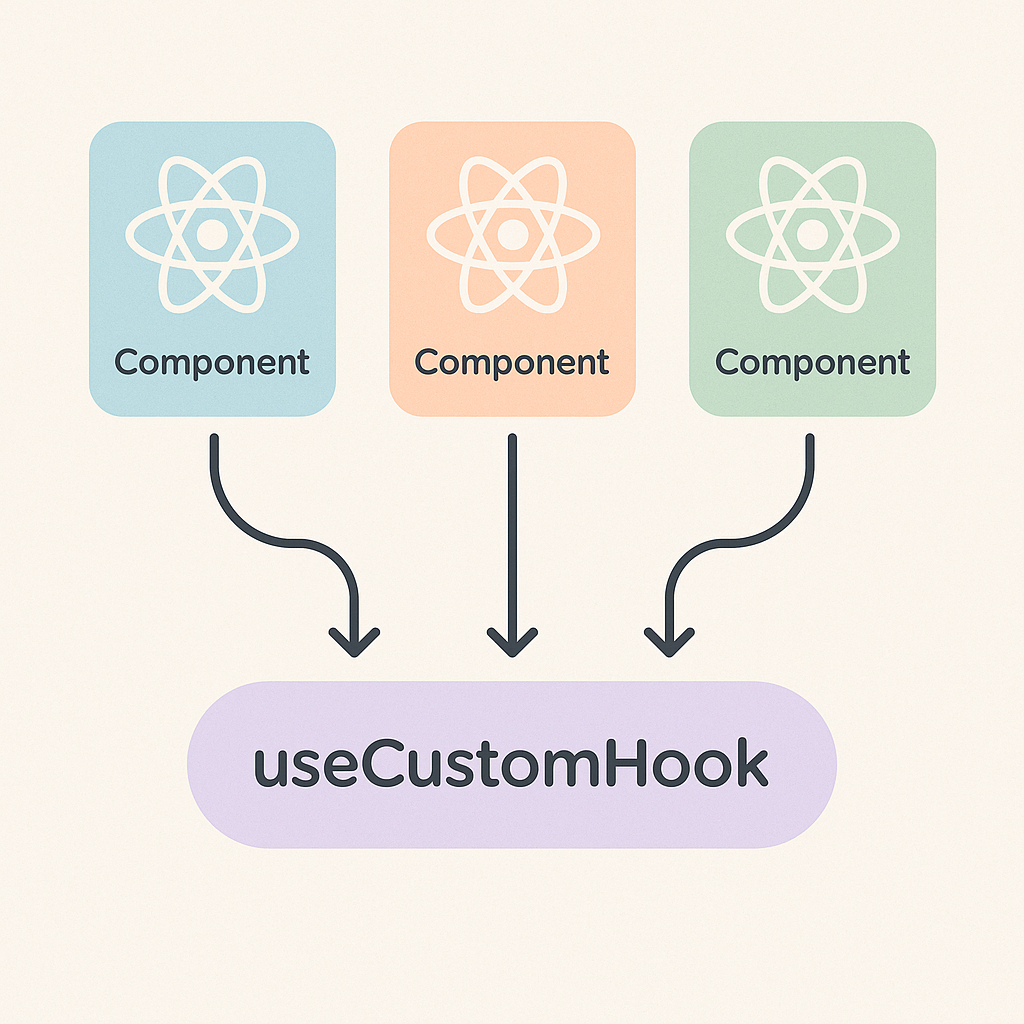
Building Custom React Hooks for Clean and Reusable Logic
Learn how Custom Hooks in React let you extract and share stateful logic across components, keeping your code DRY and easy to maintain.
May 15, 2025
Read More 
development
5 min read
126 views
Enhancing User Experience with Skeleton Screens in React
Slow-loading data can frustrate users. Learn how to implement skeleton screens in React to provide a polished, instantaneous feel while your app fetches content.
May 15, 2025
Read More