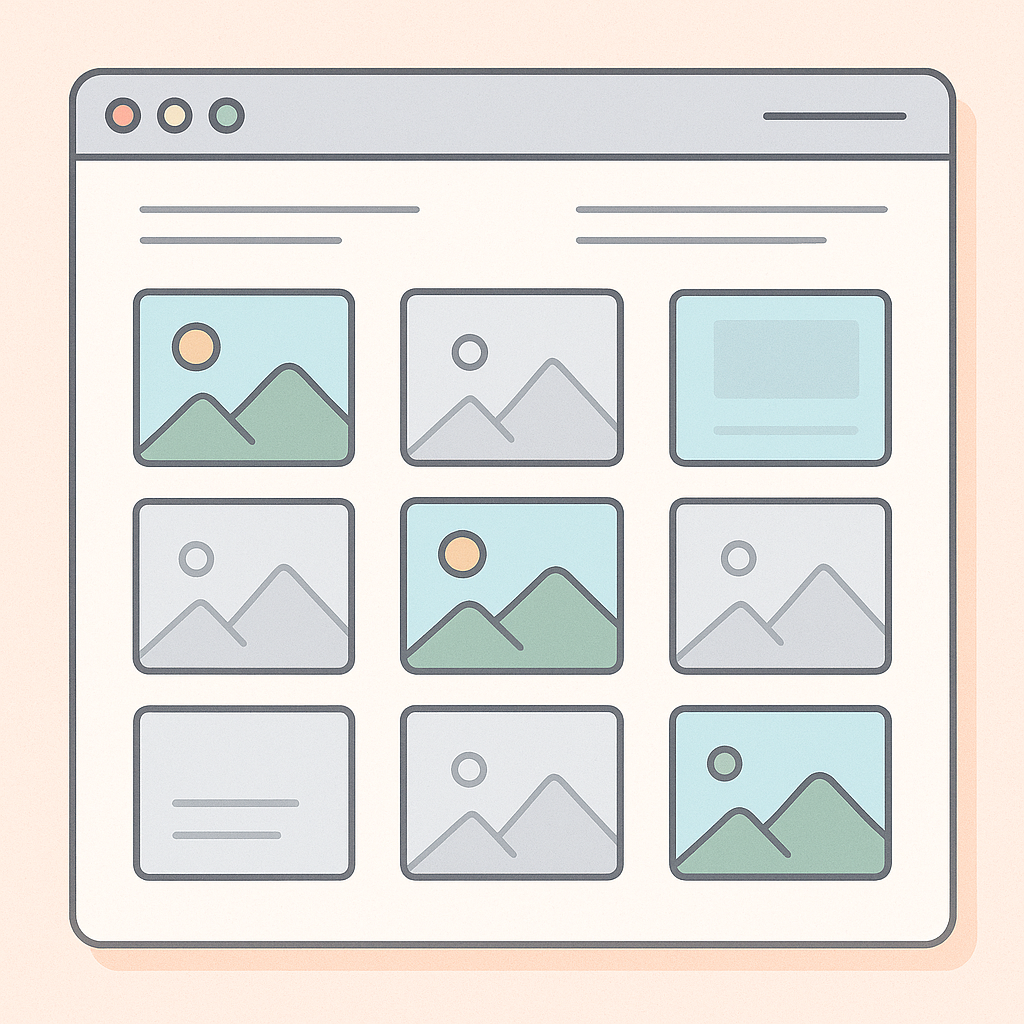
What Are Skeleton Screens?
Lightweight placeholders that mimic your final UI, giving users visual feedback that content is on its way.
Benefits of Skeletons
Perceived performance: Users feel the app is faster.
Reduced layout shift: Prevents jarring jumps when real content loads.
Improved engagement: Keeps users focused, reducing bounce rates.
Implementation Overview
Design placeholders: Create components matching your layout.
Conditional rendering: Show skeletons during data fetch, swap in real content once ready.
Shimmer effect: Add a subtle animation to indicate loading activity.
Styling Best Practices
Keep shapes simple (rectangles for text, circles for avatars).
Use neutral tones and low-contrast gradients.
Match placeholder sizes to final content dimensions.
When to Use Them
Ideal for pages or components that fetch data asynchronously—lists, profile cards, dashboards, and image galleries.
Conclusion
Skeleton screens are an easy-to-add UX enhancement that makes your React apps feel snappier and more professional. Give your users a seamless experience by smoothing out load times with well-designed placeholders.
Back to Blog
development
5 min read
126 views
Enhancing User Experience with Skeleton Screens in React
MK
Mohammad Khasati
May 15, 2025

Share
Related Posts

development
8 min read
138 views
Building a Light/Dark Mode Toggle in React with CSS Variables
A quick guide to adding a stylish light/dark theme switcher in your React app using CSS variables and local storage for persistence.
May 15, 2025
Read More 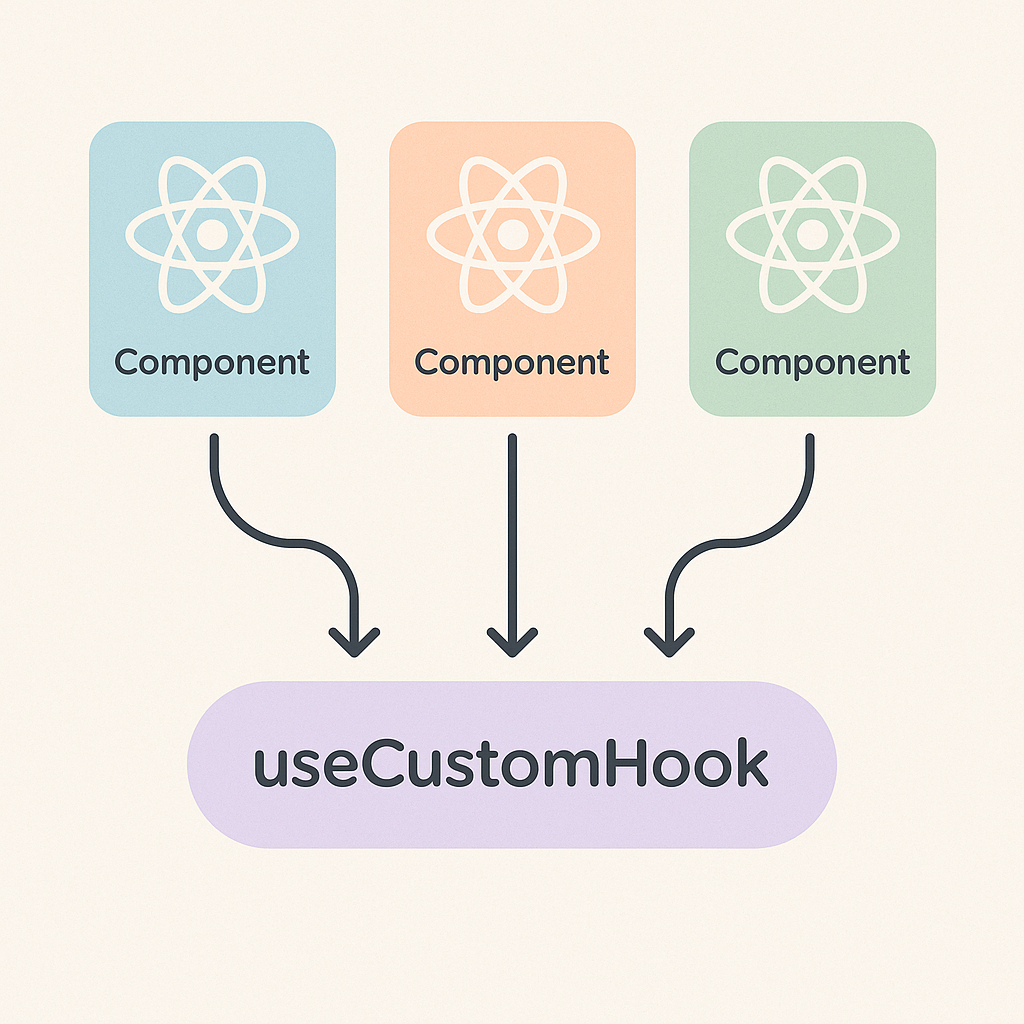
development
9 min read
141 views
Building Custom React Hooks for Clean and Reusable Logic
Learn how Custom Hooks in React let you extract and share stateful logic across components, keeping your code DRY and easy to maintain.
May 15, 2025
Read More